Lightroom alternative for copying a look
Duper is a Lightroom alternative for one job: getting the look of a photo you found onto your own, without matching it slider by slider. Share an Instagram post, Reel or Pin, and Duper matches its colour, light and grain to each of your photos and videos. When you want to keep editing in Lightroom, Super Duper saves the look as a Lightroom preset.

Duper vs Lightroom
| Duper | Lightroom | |
|---|---|---|
| Where looks come from | Any Instagram post or Reel, Pinterest Pin, screenshot or photo you pick | Presets you make, buy or find in Lightroom's community, plus Adobe's own |
| Copy a look from a photo | The whole app, free to try | No automatic match: you set the sliders by hand |
| Fit to each shot | The look is matched to each photo, so a sunny street and a dim cafe both land | A preset sets the same values on every photo. Adaptive Presets target the subject or sky |
| Video | Yes, the same look on clips | Yes, with the same editing tools |
| Editing tools | Amount slider and a Tone & Color pad | A full editor: masking, curves, colour grading and Generative Remove |
| Camera | The copied look live in the viewfinder, on iPhone | A built-in camera with raw capture |
| Computer | Phone and tablet only | Lightroom and Lightroom Classic on Mac and Windows, on a paid plan |
| Presets | Saves any look as a Lightroom preset (.xmp and .dng) and a Fujifilm recipe | Imports .xmp presets and presets saved in .dng photos |
| Android | Yes, everything but the live camera | Yes |
| Free | Unlimited looks and previews, 3 saves a week | Free app with the core editing tools |
| Paid | $39.99 a year with a 7‑day free trial, $9.99 a month, or $79.99 once | Premium on the App Store from $6.99 a month or $49.99 a year, with 100 GB of storage |
Lightroom details from its App Store listing (version 12.0) on 12 November 2026, in US dollars. Prices are the App Store's in-app purchases, and Adobe's own plans differ. A match-look feature is an open request on Adobe's forum.
How it works
- Find a photo with an edit you love. Share the post to Duper from Instagram or Pinterest, paste its link, or pick a screenshot.
- Pick your own photos or videos, one or a whole batch.
- Duper matches the look to each one. Set how strong it is with the Amount slider, then save.
Try it, then take it to Lightroom
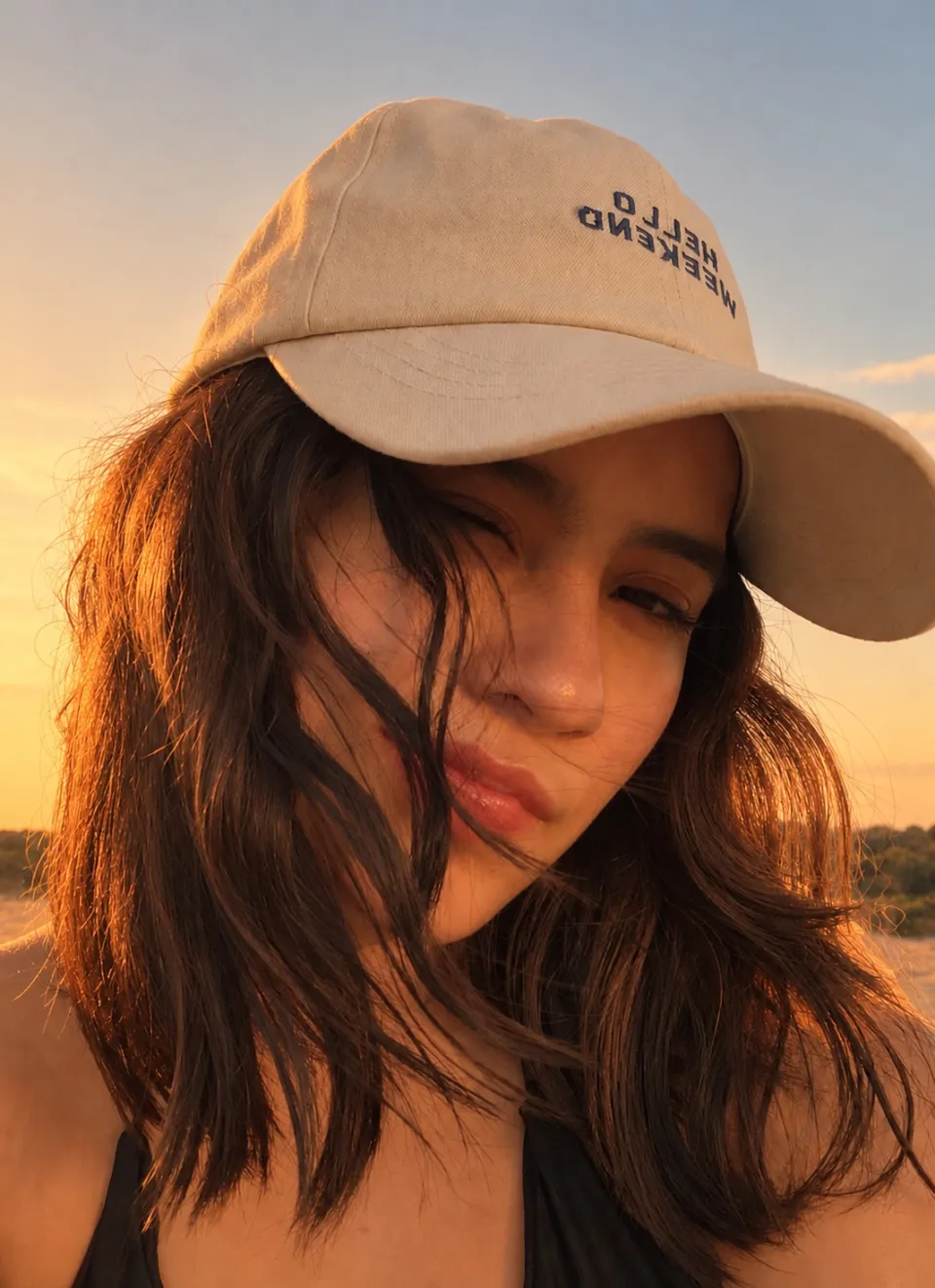
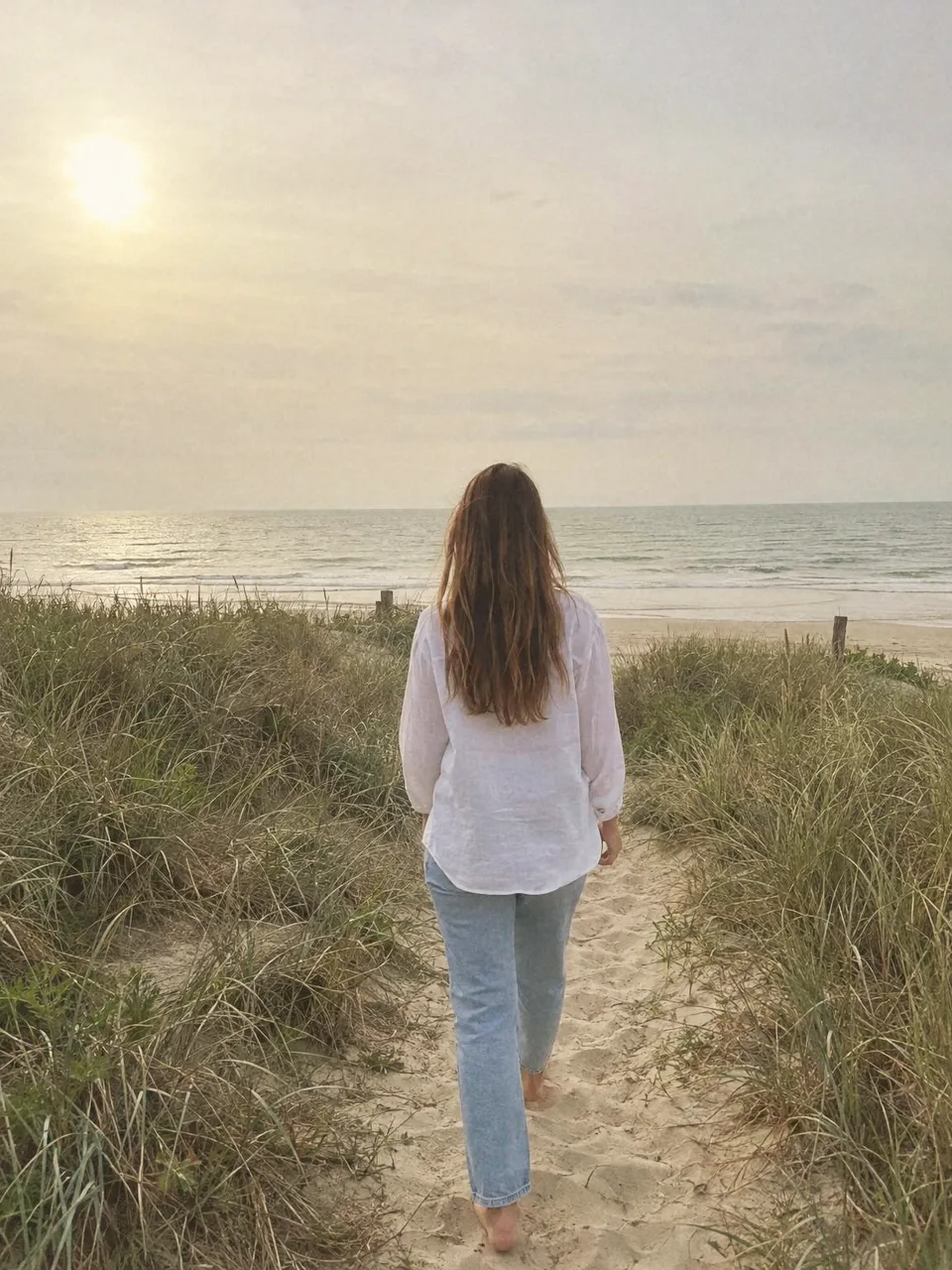
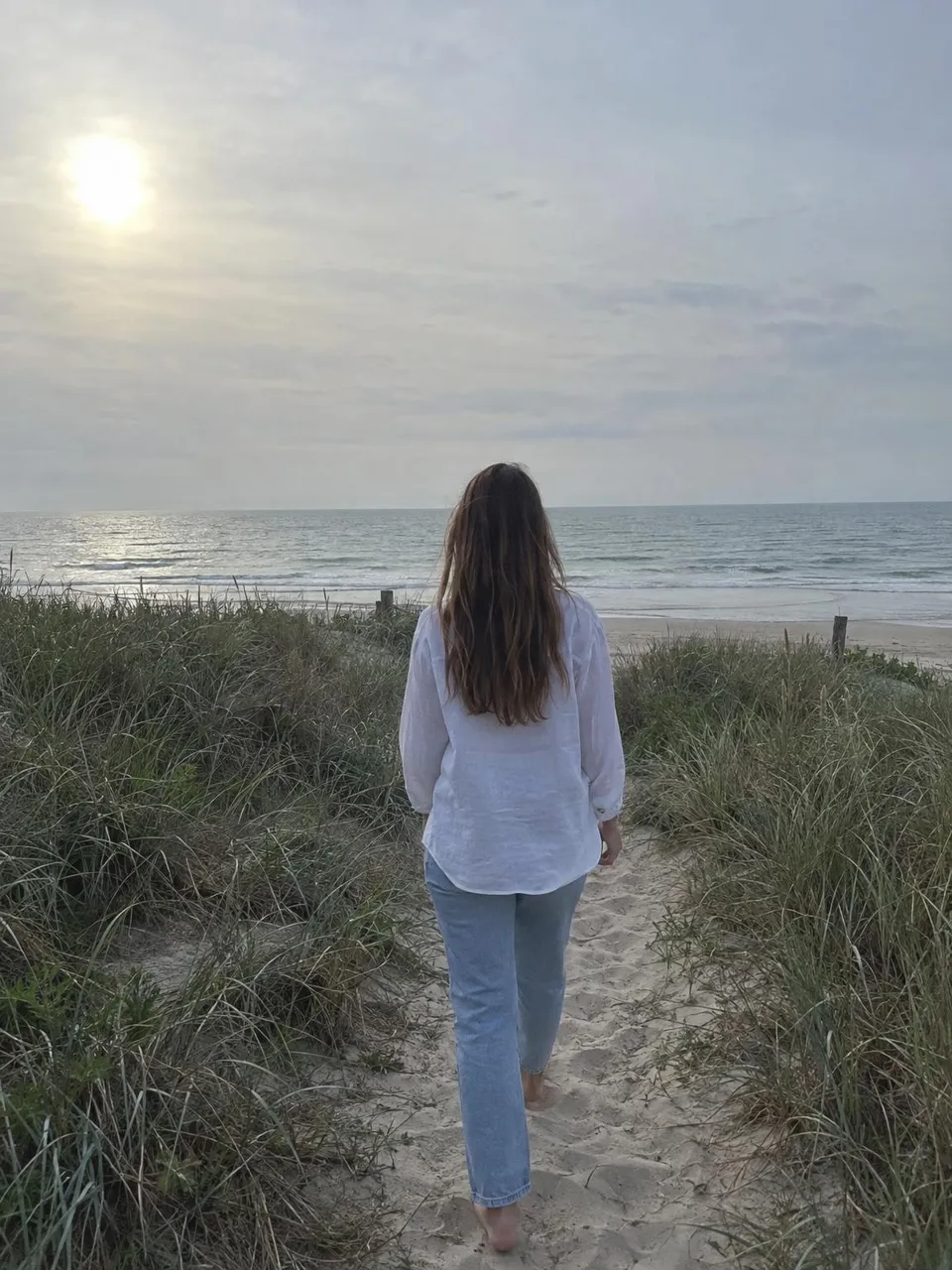
Put Golden Hour, one of Duper's free looks, on your own photo right here: soft highlights, lifted shadows and a honey tint. Its page has it as a free Lightroom preset for mobile and desktop.
Runs in your browser. Your photo is not uploaded.
Questions
Is Duper a replacement for Lightroom?
For copying a look, yes: Duper does in one step what takes many sliders in Lightroom. For raw editing, masking, retouching and organising a library, no. Many people use both: copy the look in Duper, then save it as a Lightroom preset.
Can Lightroom copy the look of another photo?
Not automatically. Lightroom applies presets and lets you match a photo by hand with its sliders, and a match-look feature is still an open request on Adobe's forum. Duper reads the look from the photo you share and does the matching for you.
How do I get a look from Duper into Lightroom?
Copy the look in Duper, then save it as a Lightroom preset with Super Duper: an .xmp file for Lightroom on a computer and a .dng file for the free Lightroom mobile app. In Lightroom mobile, open the .dng, tap the three dots, then Create Preset.
Is Lightroom free?
The Lightroom mobile app is free with its core editing tools. Its App Store listing shows Premium from $6.99 a month or $49.99 a year with 100 GB of storage. Duper is free with 3 saves a week, and Super Duper costs $39.99 a year, $9.99 a month or $79.99 once.
Are there free Lightroom presets here?
Yes. Every look on getduper.com/looks downloads as a free Lightroom preset for mobile and desktop, with its settings written out and a Fujifilm recipe.
Does Duper upload my photos?
No. Duper matches the look on your phone, and the photos and videos you edit stay there. Duper needs no account and no sign up.
Adobe and Lightroom are trademarks of Adobe Inc. Duper is not affiliated with or endorsed by Adobe.