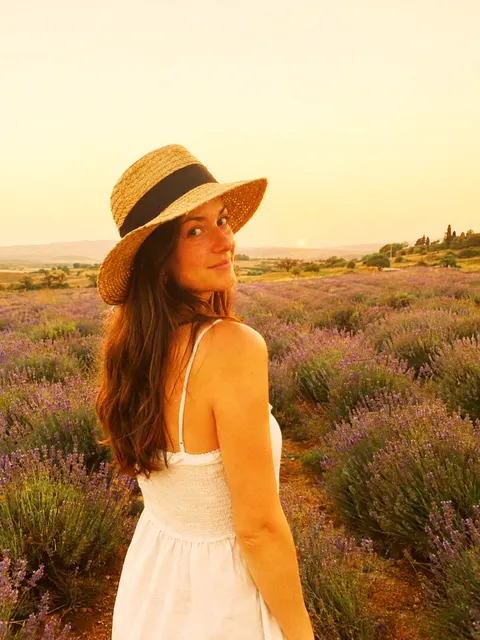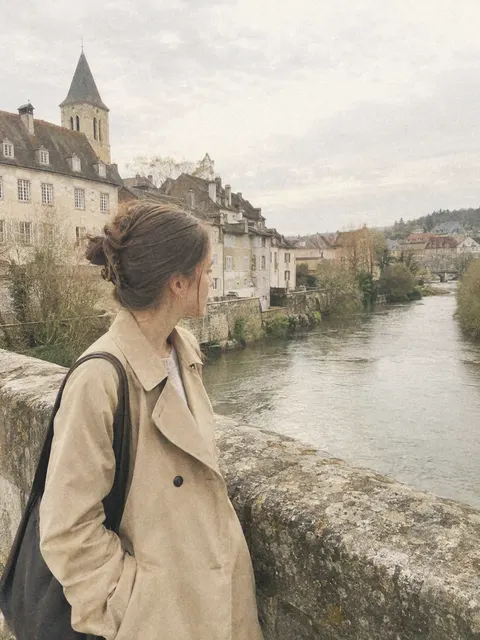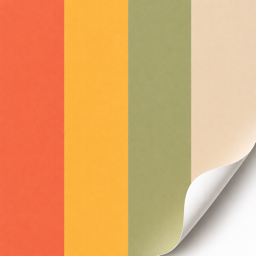
Golden Hour filter & preset
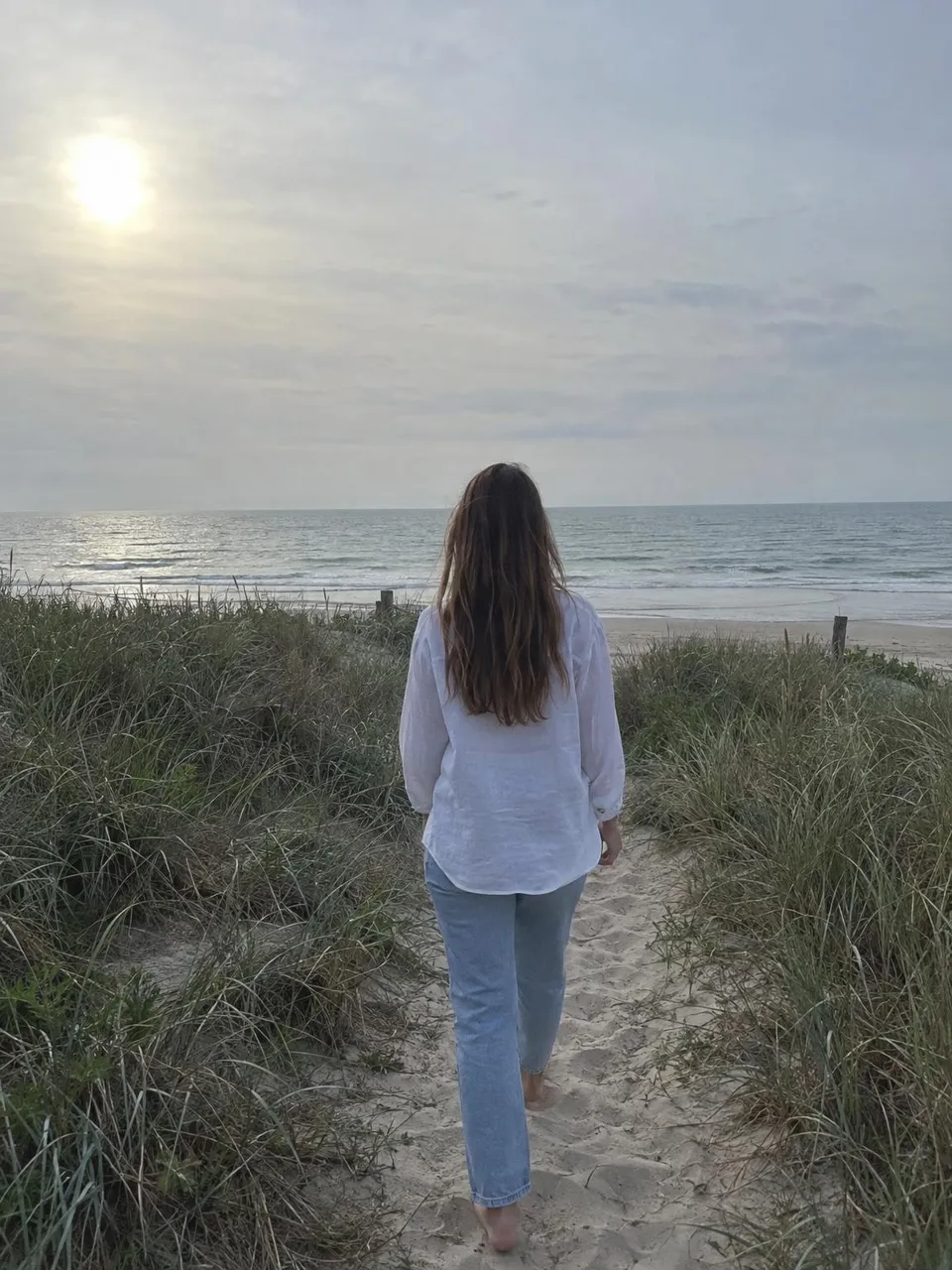
Golden Hour is a soft, warm look: gentle highlights, lifted shadows and a honey tint in the brights, like the last hour of sun. Try it on your own photo here, or take it with you as a free Lightroom preset.
Runs in your browser. Your photo is not uploaded.
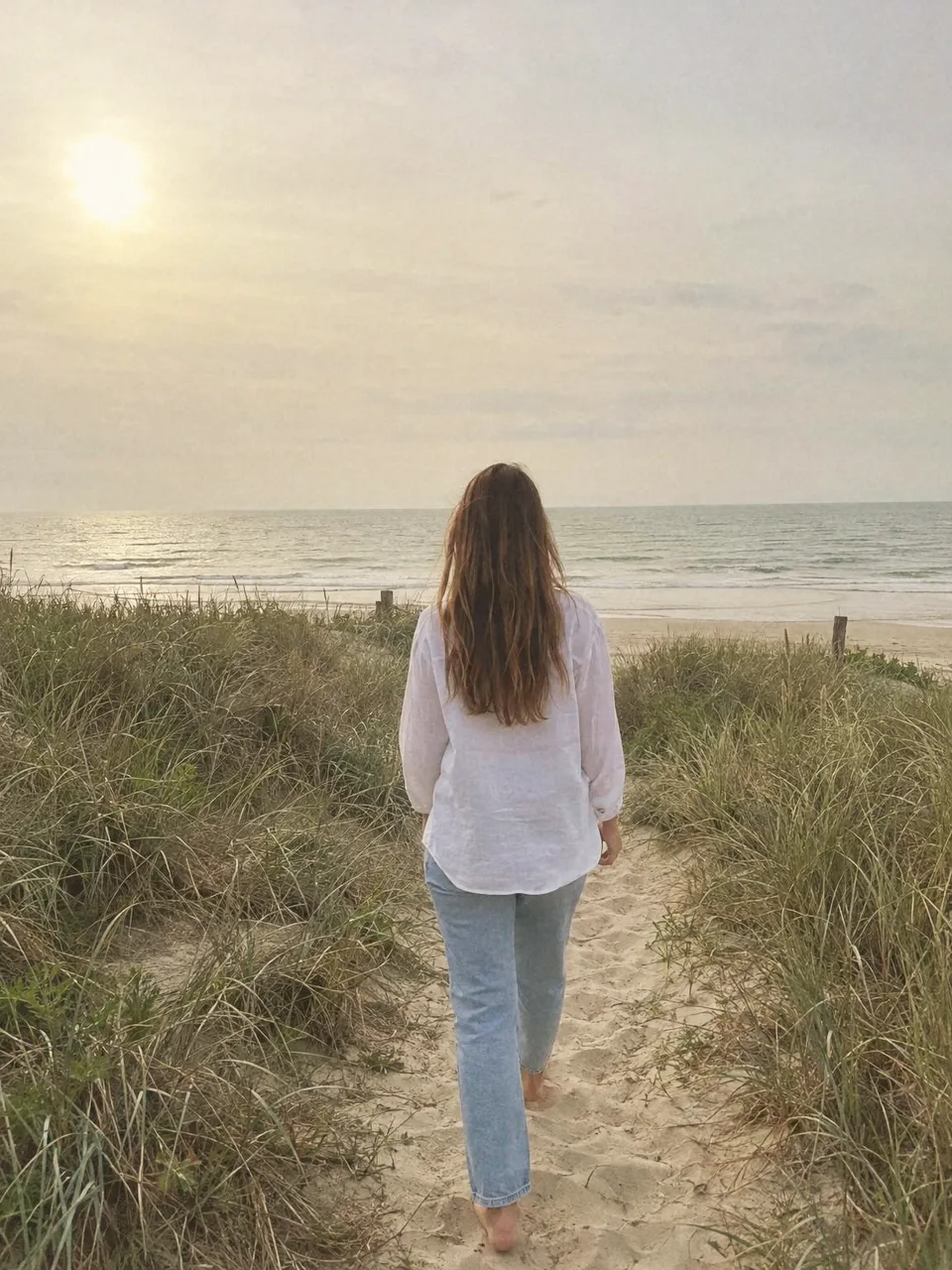
Free Lightroom preset
On your phone
- Open the .dng in the free Lightroom app, the way you add any photo.
- Open it, tap the three dots at the top, then Create Preset.
- Name it Golden Hour and tap the check. It now sits in Presets for every photo.
On a computer
- Open Develop in Lightroom Classic, or Edit in Lightroom.
- In Presets, choose Import Presets: the + in Classic, the three dots in Lightroom.
- Pick duper-golden-hour.xmp. It shows up in the Duper group.
The settings
Every value the preset sets, to dial Golden Hour in by hand in Lightroom or any editor with the same sliders.
| Exposure | +0.15 EV |
|---|---|
| Contrast | +8 |
| Highlights | -30 |
| Shadows | +22 |
| Whites | +6 |
| Blacks | -6 |
| Clarity | -5 |
|---|---|
| Vibrance | +18 |
| Saturation | -4 |
| Temp | +18 |
|---|---|
| Tint | +4 |
| Shadows | H 40 S 12 L +0 |
|---|---|
| Highlights | H 45 S 18 L +0 |
| Blending | +0 |
| Grain | 15 |
|---|---|
| Size | 25 |
| Roughness | 50 |
| In 0 | Out 12 |
|---|---|
| In 64 | Out 72 |
| In 192 | Out 200 |
| In 255 | Out 250 |
Fujifilm recipe
Shoot the look straight out of camera on a Fujifilm with X-Trans IV or V. A starting point, tuned by eye.
| Film Simulation | Nostalgic Neg. |
|---|---|
| Grain Effect | Weak, Small |
| Color Chrome Effect | Strong |
| Color Chrome FX Blue | Off |
| White Balance | Auto, +3 Red & -4 Blue |
| Dynamic Range | DR400 |
| Highlight | -1 |
| Shadow | -1 |
| Color | +2 |
| Sharpness | -1 |
| High ISO NR | -4 |
| Clarity | -1 |
| ISO | Auto, up to 6400 |
| Exposure Compensation | +1/3 to +2/3 |
No Nostalgic Neg. on your camera? Use Classic Chrome with Color +3.
On other photos






Copy any look
Found a photo with an edit you love? Share the post to Duper from Instagram or Pinterest and its look lands on your photos and videos, matched to each one. You get its Lightroom preset and Fujifilm recipe too. Coming from filter packs? See how Duper works as a VSCO alternative.
Questions
Is the Golden Hour preset free?
Yes. Both files are free to download and use on your own photos, with no sign up. The .dng works in the free Lightroom mobile app and the .xmp in Lightroom Classic or Lightroom on a computer.
Does it work in the free Lightroom mobile app?
Yes. Open the .dng in Lightroom mobile, tap the three dots, then Create Preset. Lightroom saves the look as a preset you can tap on any photo, no subscription needed.
Why does it look different on my photo?
A preset moves the same sliders on every photo, so a dark or already warm shot takes it differently. Use the Amount slider above to ease it off, or use Duper, which matches a look to each photo.
Can I put Golden Hour on a video?
This page works on photos. Duper on iPhone and Android puts looks like this one on videos too: share the post you love and pick your clip. Video export is part of Super Duper.
Does this page upload my photo?
No. The look runs in your browser, on your device. Your photo is never sent anywhere, and closing the page clears it.