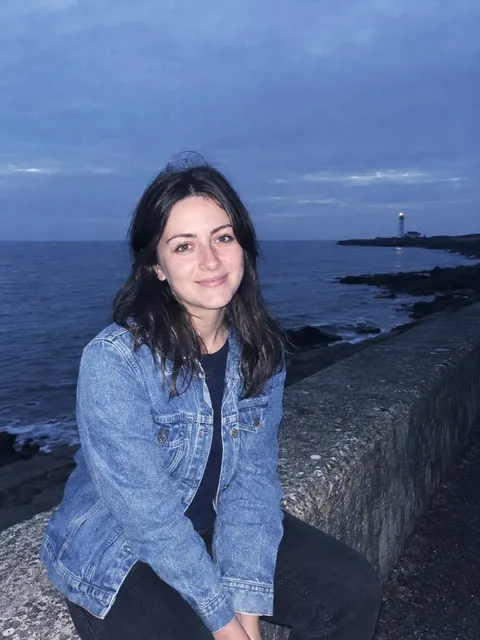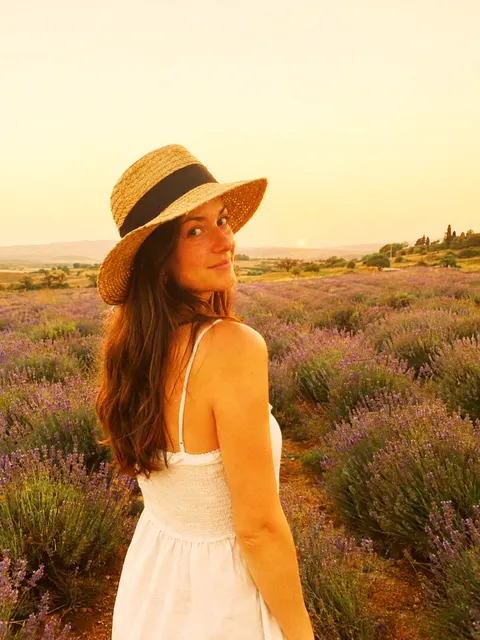
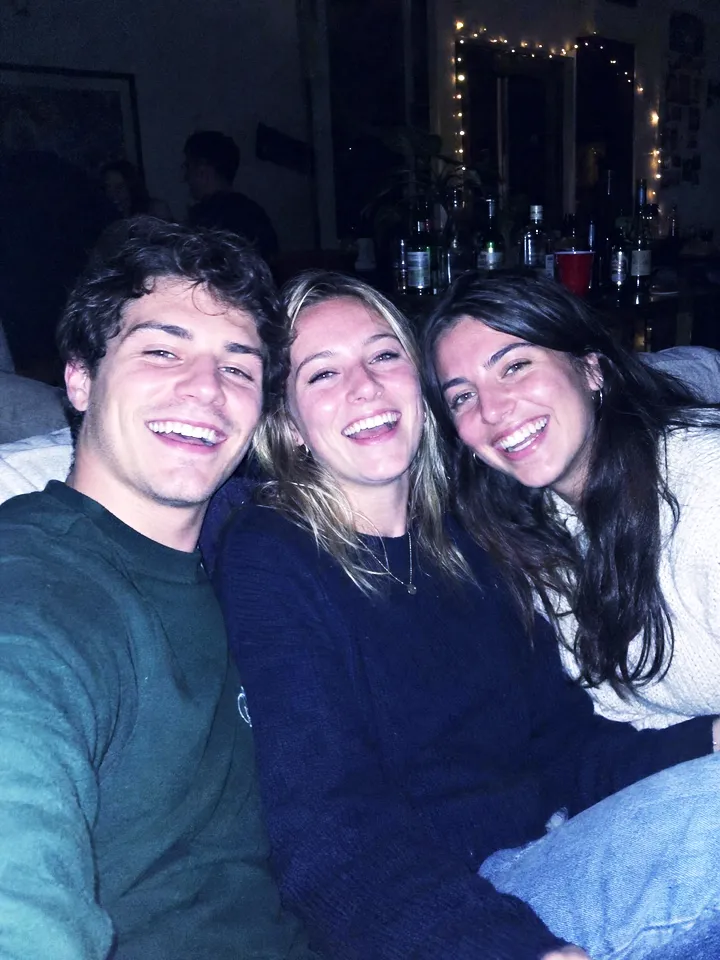
Cybershot digital camera filter
Cybershot is the 2000s digital camera look: cool blue shadows, crisp contrast and bright, clean highlights, like a party photo off an old point-and-shoot. Try it on your own photo here, or take it with you as a free Lightroom preset.
Runs in your browser. Your photo is not uploaded.


Free Lightroom preset
On your phone
- Open the .dng in the free Lightroom app, the way you add any photo.
- Open it, tap the three dots at the top, then Create Preset.
- Name it Cybershot and tap the check. It now sits in Presets for every photo.
On a computer
- Open Develop in Lightroom Classic, or Edit in Lightroom.
- In Presets, choose Import Presets: the + in Classic, the three dots in Lightroom.
- Pick duper-cybershot.xmp. It shows up in the Duper group.
The settings
Every value the preset sets, to dial Cybershot in by hand in Lightroom or any editor with the same sliders.
| Exposure | +0.32 EV |
|---|---|
| Contrast | +16 |
| Highlights | -8 |
| Shadows | +14 |
| Whites | +22 |
| Blacks | -6 |
| Texture | +16 |
|---|---|
| Clarity | +8 |
| Vibrance | +10 |
| Saturation | +4 |
| Temp | -16 |
|---|---|
| Tint | +14 |
| Shadows | H 235 S 30 L +0 |
|---|---|
| Highlights | H 260 S 6 L +0 |
| Blending | +50 |
| Orange | H +0 S +0 L +6 |
|---|---|
| Blue | H +0 S +15 L +0 |
| Purple | H -10 S +0 L +0 |
| Grain | 12 |
|---|---|
| Size | 15 |
| Roughness | 50 |
| In 0 | Out 8 |
|---|---|
| In 64 | Out 64 |
| In 192 | Out 214 |
| In 255 | Out 255 |
Fujifilm recipe
Shoot the look straight out of camera on a Fujifilm with X-Trans IV or V. A starting point, tuned by eye.
| Film Simulation | Provia/Standard |
|---|---|
| Grain Effect | Weak, Small |
| Color Chrome Effect | Off |
| Color Chrome FX Blue | Strong |
| White Balance | Auto, -2 Red & +3 Blue |
| Dynamic Range | DR100 |
| Highlight | +1 |
| Shadow | +1 |
| Color | +2 |
| Sharpness | +2 |
| High ISO NR | -2 |
| Clarity | +2 |
| ISO | Auto, up to 6400 |
| Exposure Compensation | 0 |
Shoot with the flash on for the full digicam look.
On other photos

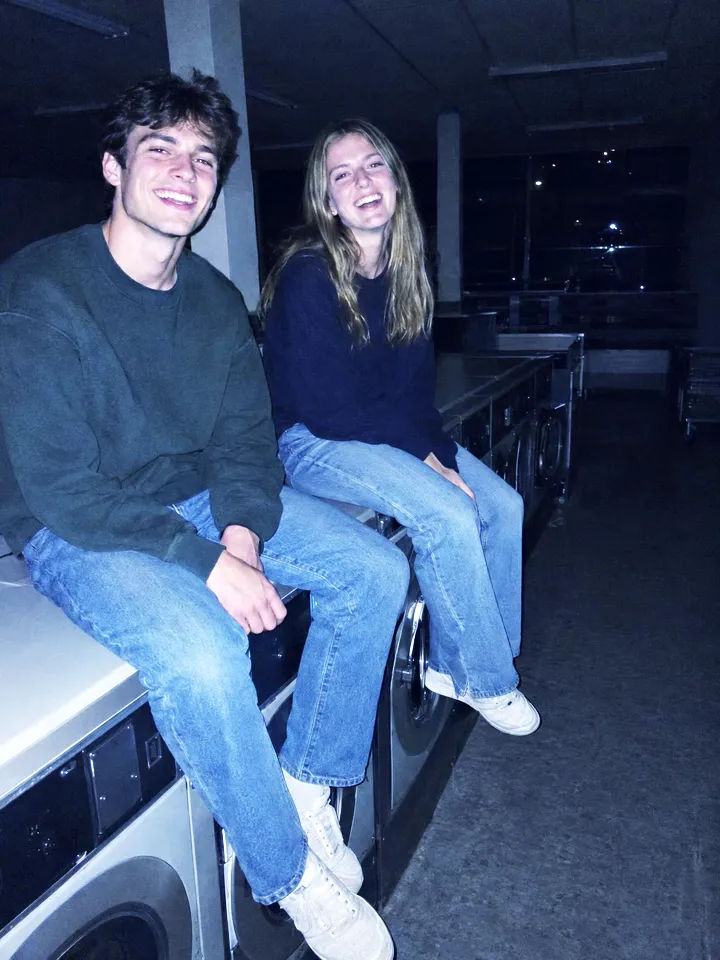
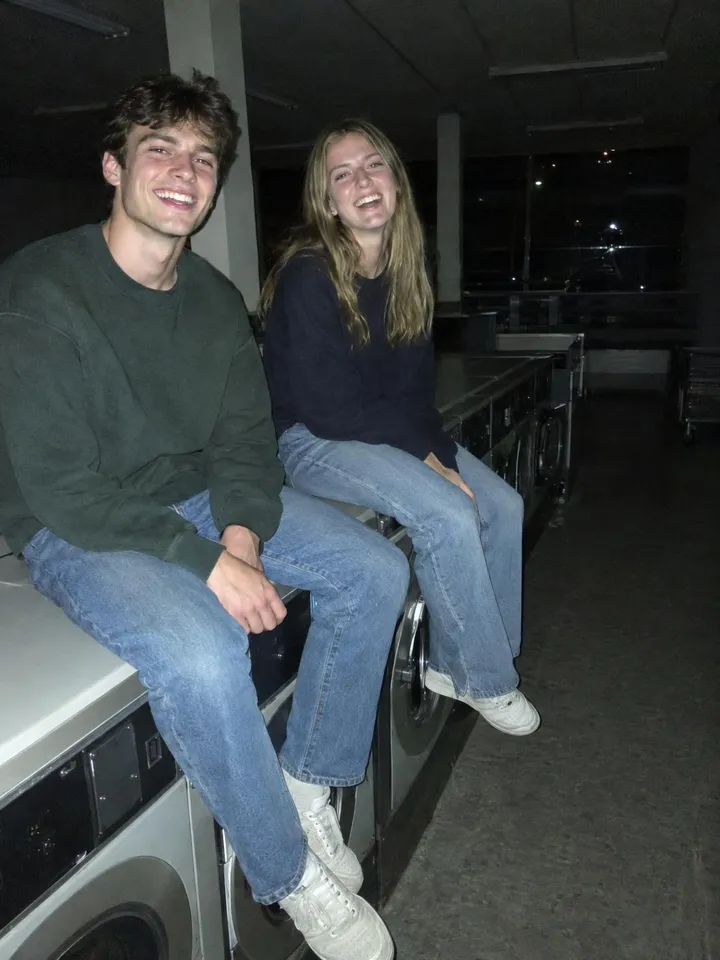


Copy any look
Found a photo with an edit you love? Share the post to Duper from Instagram or Pinterest and its look lands on your photos and videos, matched to each one. You get its Lightroom preset and Fujifilm recipe too. Coming from filter packs? See how Duper works as a VSCO alternative.
Questions
Does it add a flash?
No. Cybershot changes colour and contrast, not light. For the full look, take the photo with your flash on, then put Cybershot on it.
Is the Cybershot preset free?
Yes. Both files are free to download and use on your own photos, with no sign up. The .dng works in the free Lightroom mobile app and the .xmp in Lightroom Classic or Lightroom on a computer.
What is a digital camera filter?
A look that makes a phone photo read like it came off a 2000s compact camera: harder contrast, a cool cast, punchy colour and a little grain. Cybershot is the coolest and crispest of them; Canon G7X, Nikon Coolpix and Powershot are warmer, brighter or bluer takes on the same idea.
Does this page upload my photo?
No. The look runs in your browser, on your device. Your photo is never sent anywhere, and closing the page clears it.
Cyber-shot is a trademark of Sony Group Corporation. Duper is not affiliated with Sony; this look is our take on the style.